ant-commander-doc
Documentation / Help about Ant Commander (Pro) file manager
Panels
Directory Panels
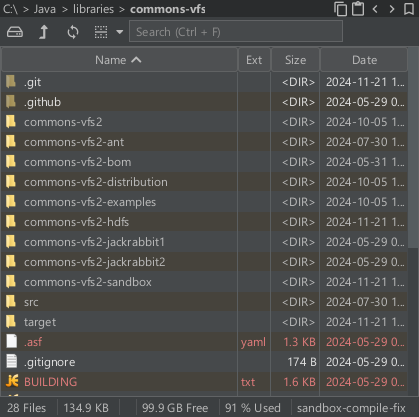
Directory table
The directory table panel will list files in a table.
- Click on the header to sort by name, extension, size or date.
- Click again to sort in reverse order (or ctrl + click to directly sort in reverse order)
- Double click to open a directory or file
- Or use alt + single click to open a directory or file
- Use ctrl + F to access the search field
- Once in the search field, use ctrl + H to access the help section for the search
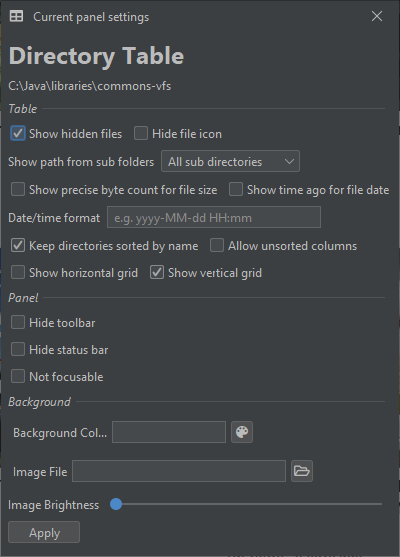
Here are the settings for the directory table panel
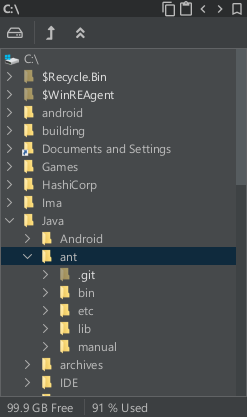
Directory tree
The directory tree panel will list sub-directories in a tree.
Most of the time it will be linked to a directory table to show the files of the selected branch of the tree.
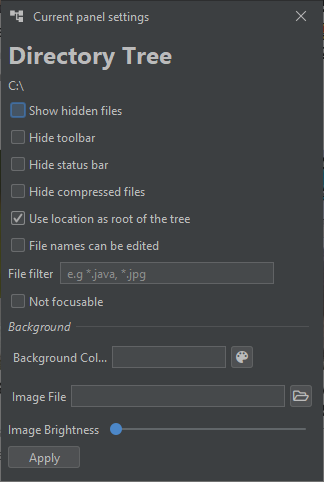
Here are the settings for the directory tree panel
Thumbnails
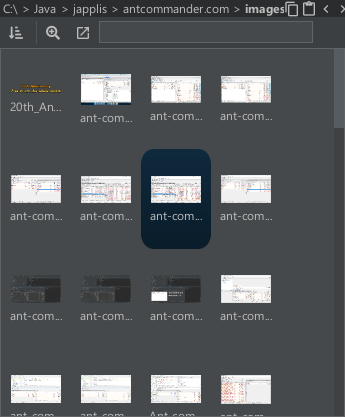
The thumbnails panel will show the images inside a directory as thumbnails.
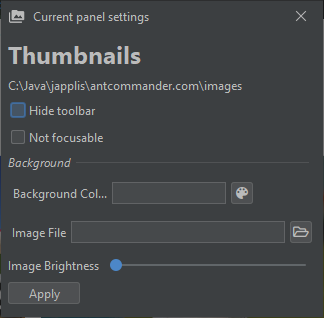
Here are the settings for the thumbnails panel
File Viewers
Text Editor Pro
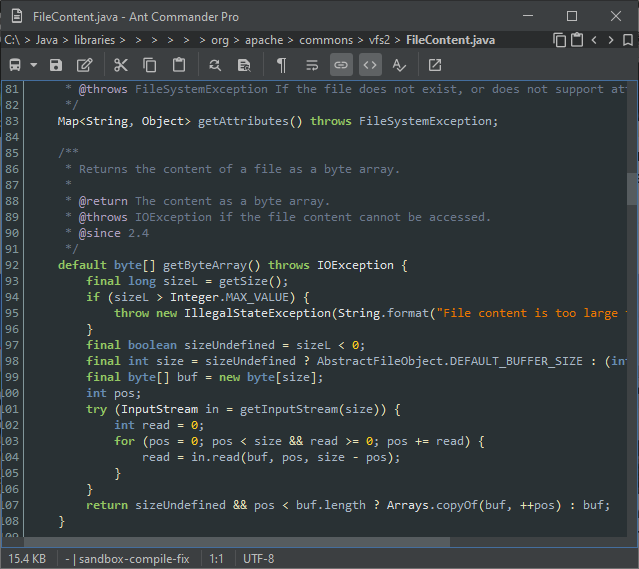
The Text Editor Pro panel is a text file viewer and editor.
Here are the settings for the text editor pro panel
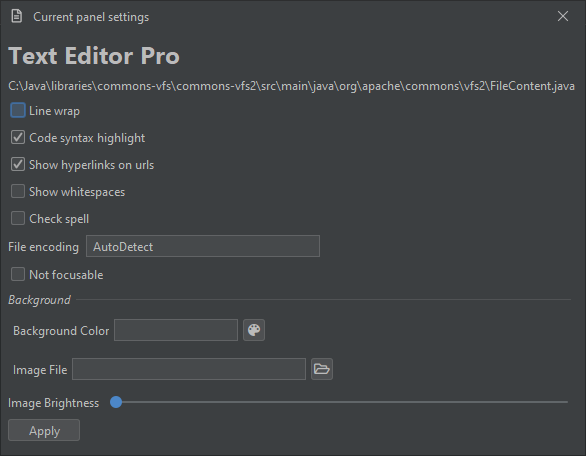
Image Viewer Pro
The Image Viewer Pro panel is an image viewer.
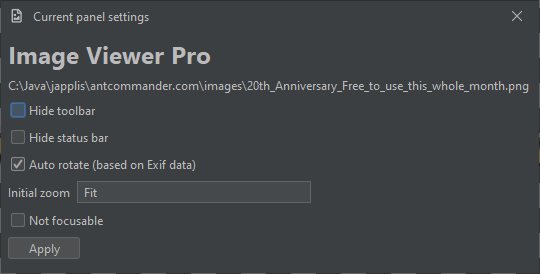
Here are the settings for the image viewer panel
Binary Editor
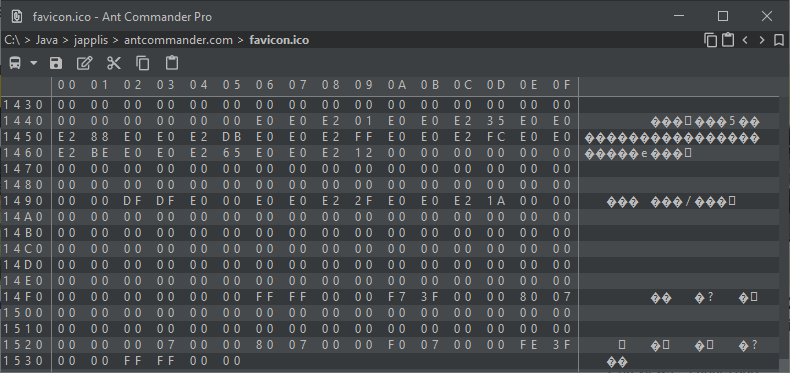
The Binary Editor panel allows to view content of files when they are not text files. I would advice to not edit the file unless you are sure of what you’re doing.
HTML Viewer
The HTML Viewer panel is a panel to view basic HTML (3.2) content. I would advice againts using it to view real website. It doesn’t interpret CSS or JavaScript. This panel is used for example to show help sections.
Shells
Command Line Pro
The Command Line Pro panel opens the default shell of your operating system.
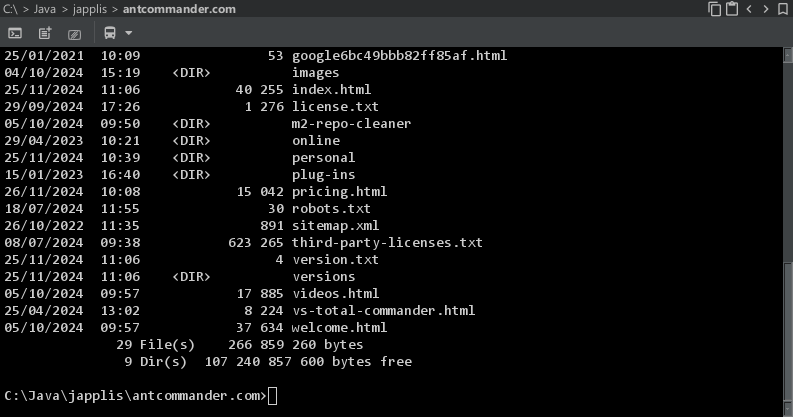
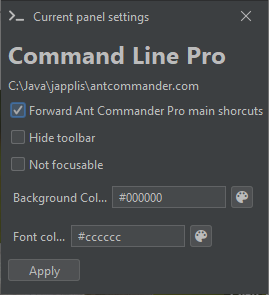
Here are the settings for the command line pro panel
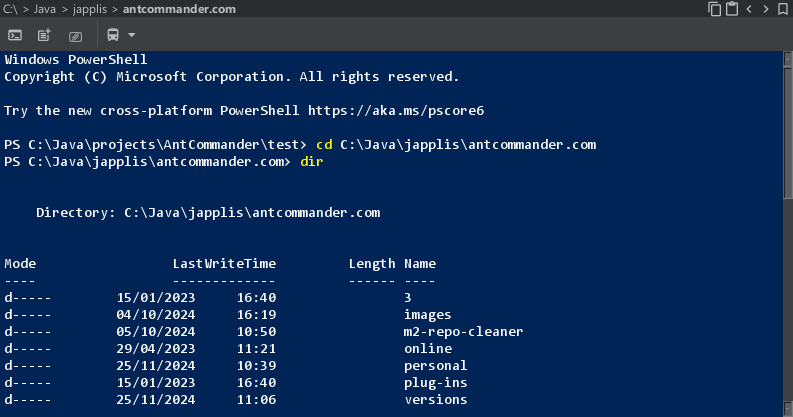
Powershell
You have the possibility to open Powershell instead of the default command line using this panel.
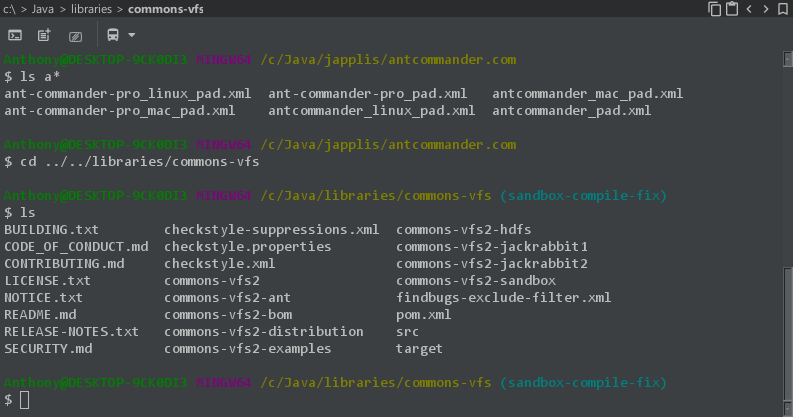
Git bash / Cygwin
For Windows users, you have Cygwin or Git bash in your PATH environment variable, you will have the option to use it in a panel.
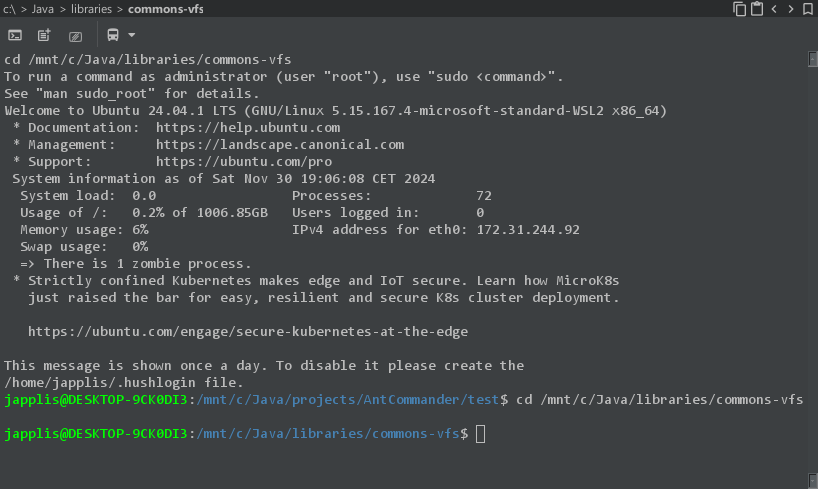
WSL2
For Windows users, if you have Windows Subsytem for Linux 2 install, you will have the option to use it in a panel.
Other
Tree Map Grid
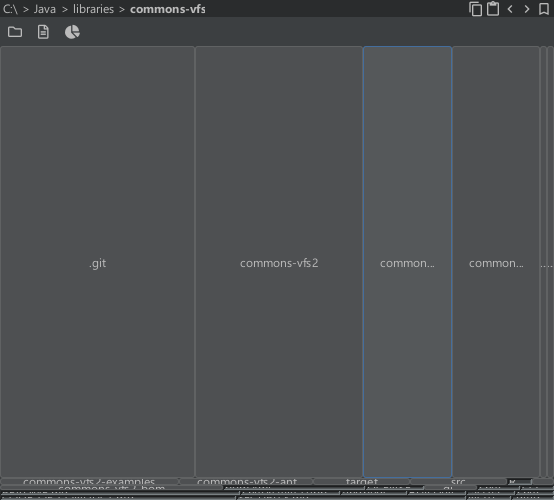
Tree Map Grid panel will show files and directories inside a directory in a grid. The size of each cell is proportianal to the size of the file or directory. Sub-directories are buttons that can be clicked on to navigate to this sub-directory.
You can choose with the toolbar icons if you want to see only files or directories.
There are many view mode: Grid, multi-level colored tree map, vertical bar, horizontal bar and disc.
It is possible to click on directories to see the details of this directory.
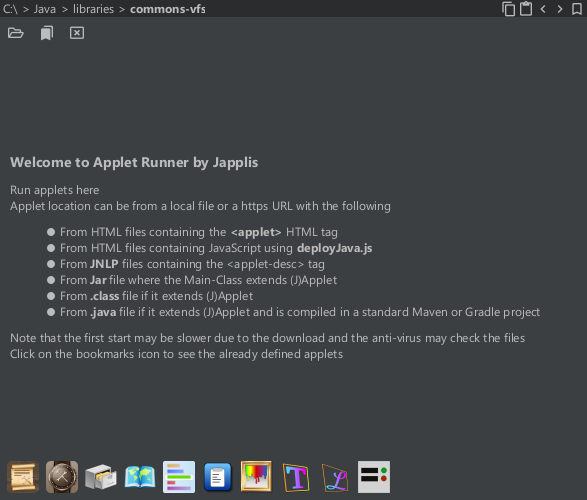
Applet Runner
Applet Runner panel allows to run Java applets inside a panel. It includes more than 100 applets in the bookmarks.
See Applet Runner website for more info.
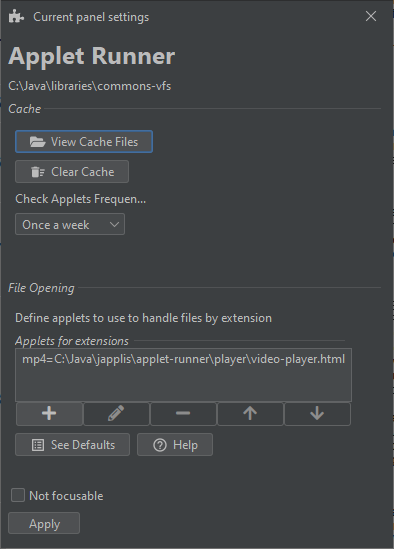
Here are the settings for the Applet Runner panel
Bookmark
Bookmark panel shows your bookmarks in a panel. Note that will panel will probably be replaced by the bookmark file system.
Mega Toolbar
Mega toolbar panel will show buttons for different actions in a panel.